

Answer every call, without changing your phones
Use Sentire as your main line or as backup. See what happens on each call and how you get started.
From ring to reservation,
everything your front desk needs in one flow.
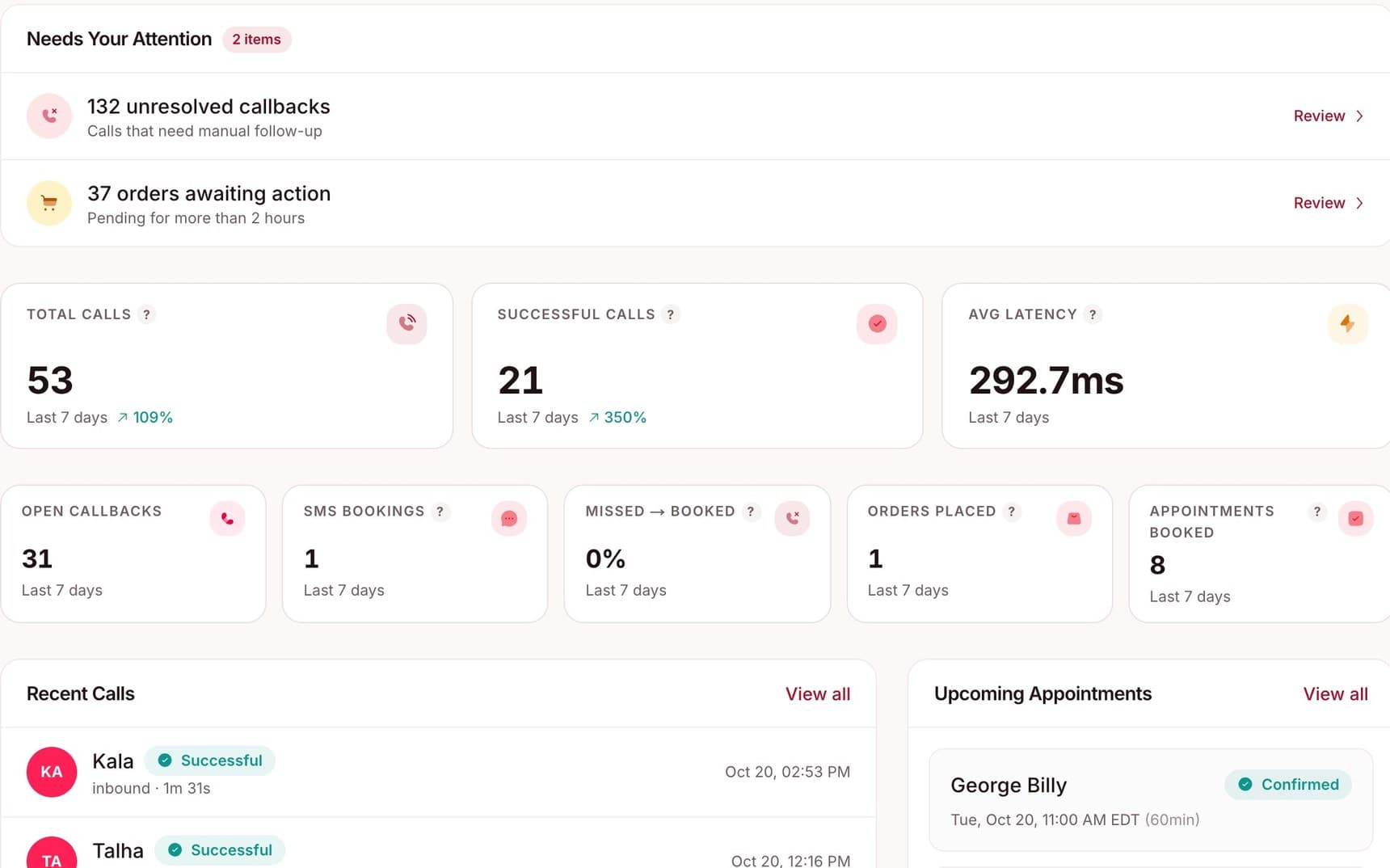

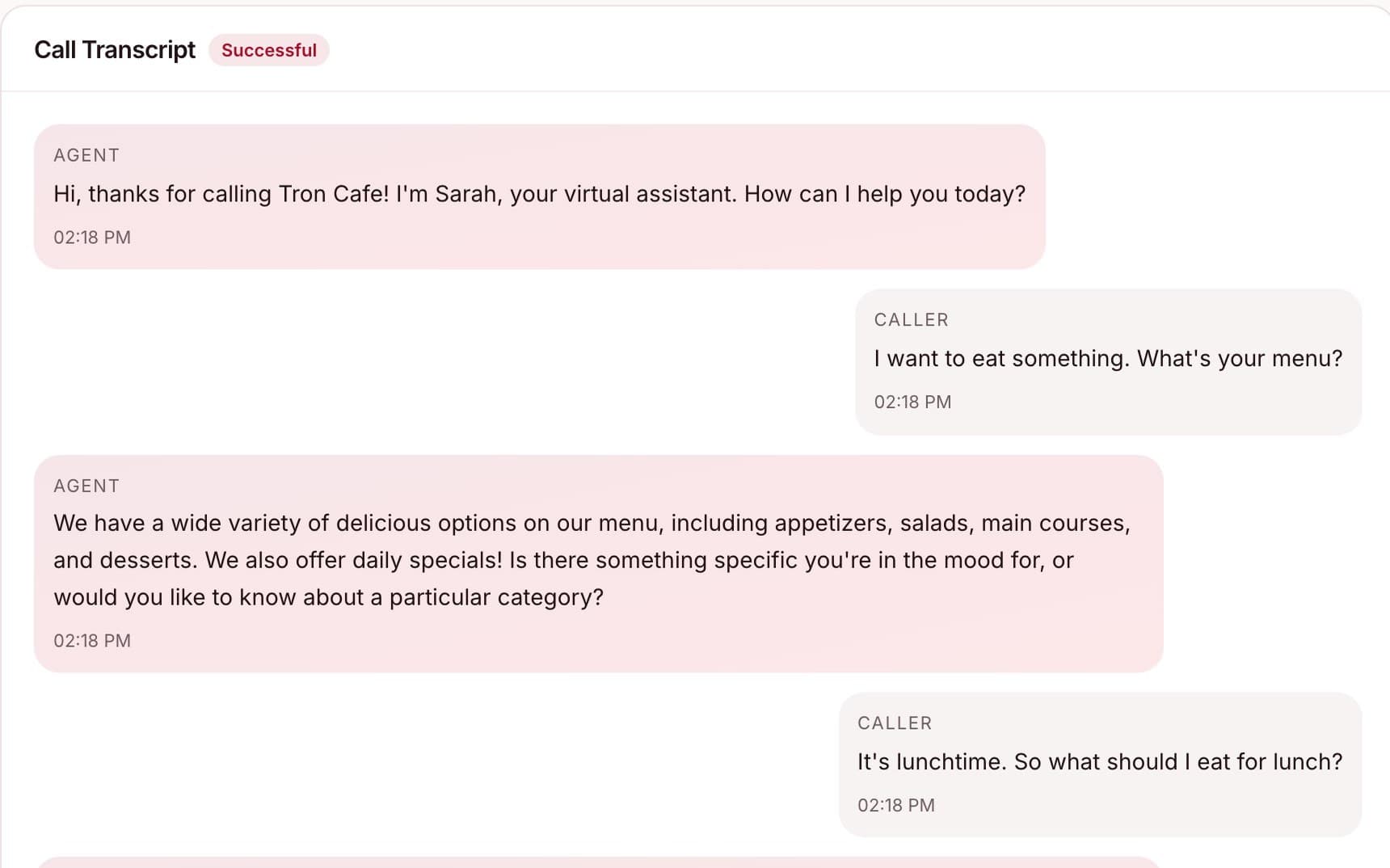
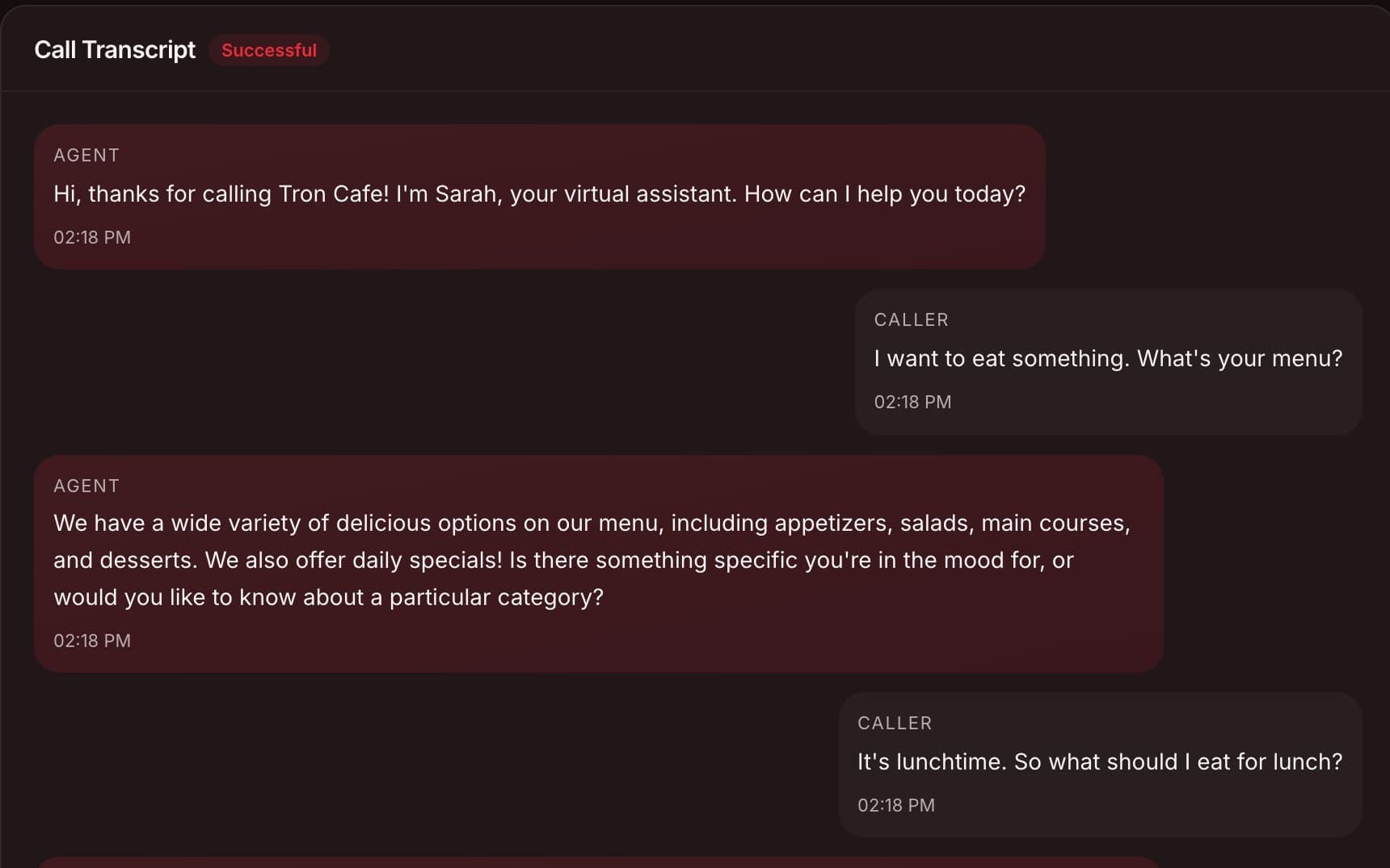
Natural conversation
Real-time transcription and human-like responses.
Use arrow keys or click the side cards to navigate
Your main line, or your backup
Use Sentire for all your calls, or just for the moments your team can't answer. You choose.
Your main phone line
Let Sentire handle your whole phone operation, day and night, so your team can stay with the people in front of them.
- Every call and text answered
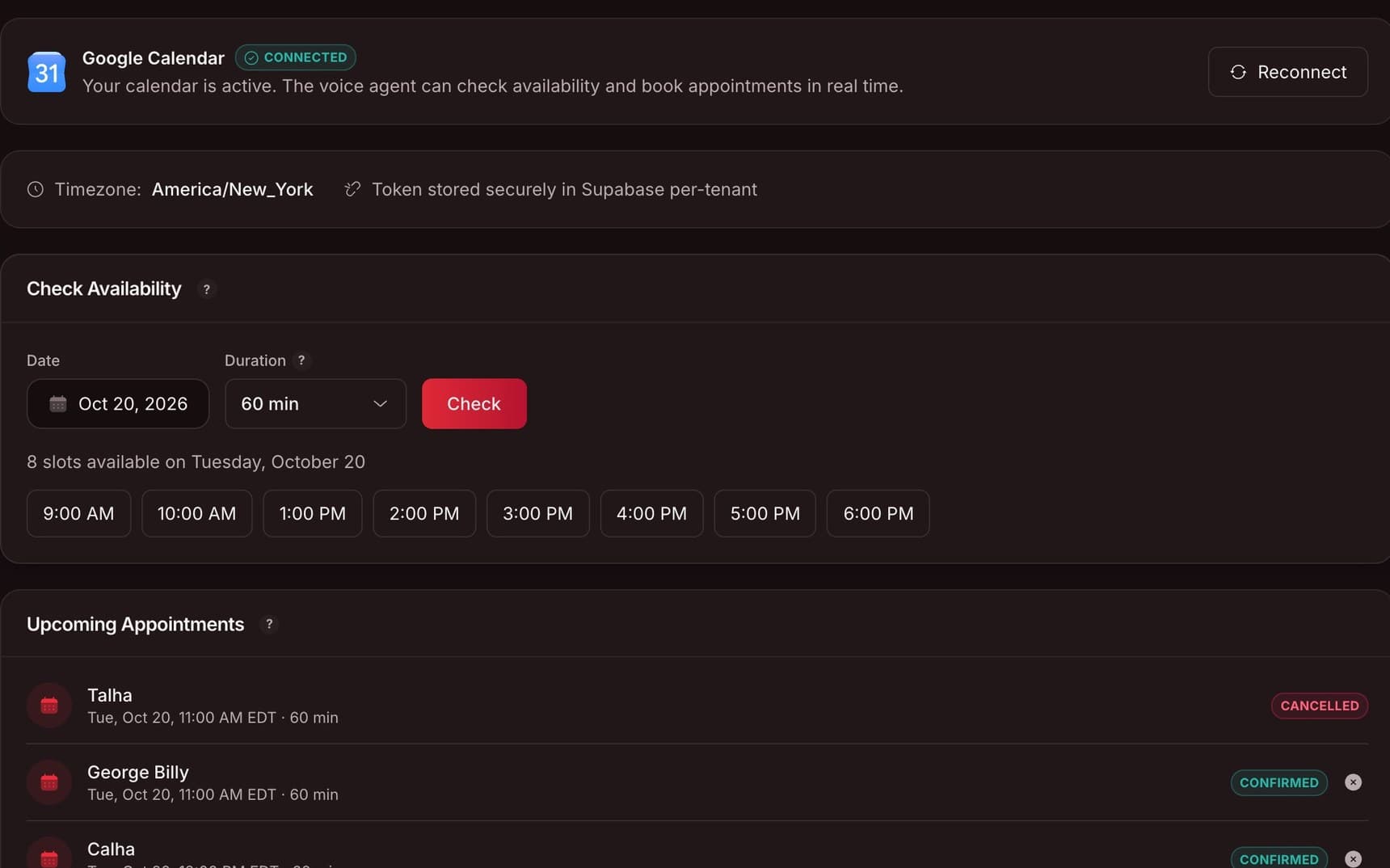
- Appointments booked on your calendar
- Callbacks and call history in your dashboard
Backup when you need it
Use Sentire only when your team can't pick up: busy hours, after hours, or when someone is out.
- Forward overflow calls to Sentire
- Nothing goes to voicemail
- Forward calls only when you need backup
- Save your team time
- Cut the cost of missed calls
- Keep every opportunity
How backup works
You keep your number and your phone system. Sentire steps in when your team can't.
A customer calls
They dial the number they already know: yours.
Your team can't pick up
It's busy, after hours, or someone is out.
The call goes to Sentire
Your phone system forwards it to your Sentire line.
Sentire answers and books
The booking and a transcript show up in your dashboard.
Using Sentire as your main line? Skip step two: every call goes straight to Sentire.
Behind every answer.
How Sentire works.
- Answers every call: and every text, day and night
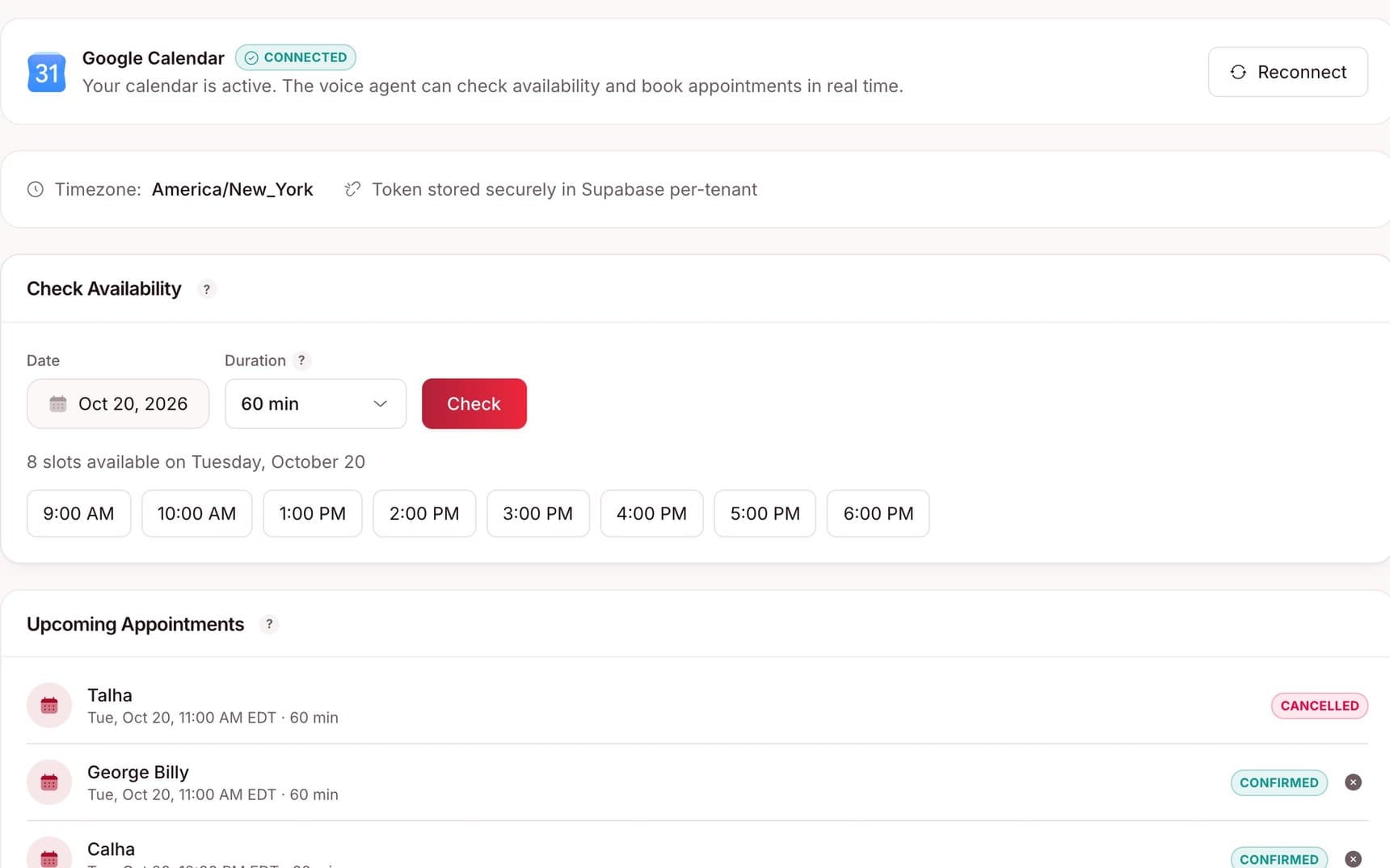
- Checks your calendar: live availability before it books
- Greets regulars: returning callers are welcomed by name
- Fits your tools: RingCentral, Dialpad, Five9 and Google Calendar
Go live in three steps
No new hardware and no migration. Your team keeps the phones they know.
Forward your calls
Keep your number and your provider. Point overflow or after-hours calls at your Sentire line.
Connect your calendar
Link Google Calendar so every booking is checked against real availability before it is confirmed.
Set up your agent
Choose a greeting, a voice, and your opening hours, then try it with the built-in tester before a real caller does.
Not another
phone system.
Sentire picks up when your team can't. Your existing number and provider stay exactly as they are, and a guided setup shows you each setting to change.
- Step-by-step guides for RingCentral, Dialpad, Five9, and Google Voice
- Real screenshots from each provider, shown inside your portal
- Overflow forwarded to your Sentire line, with no migration
Keep your provider



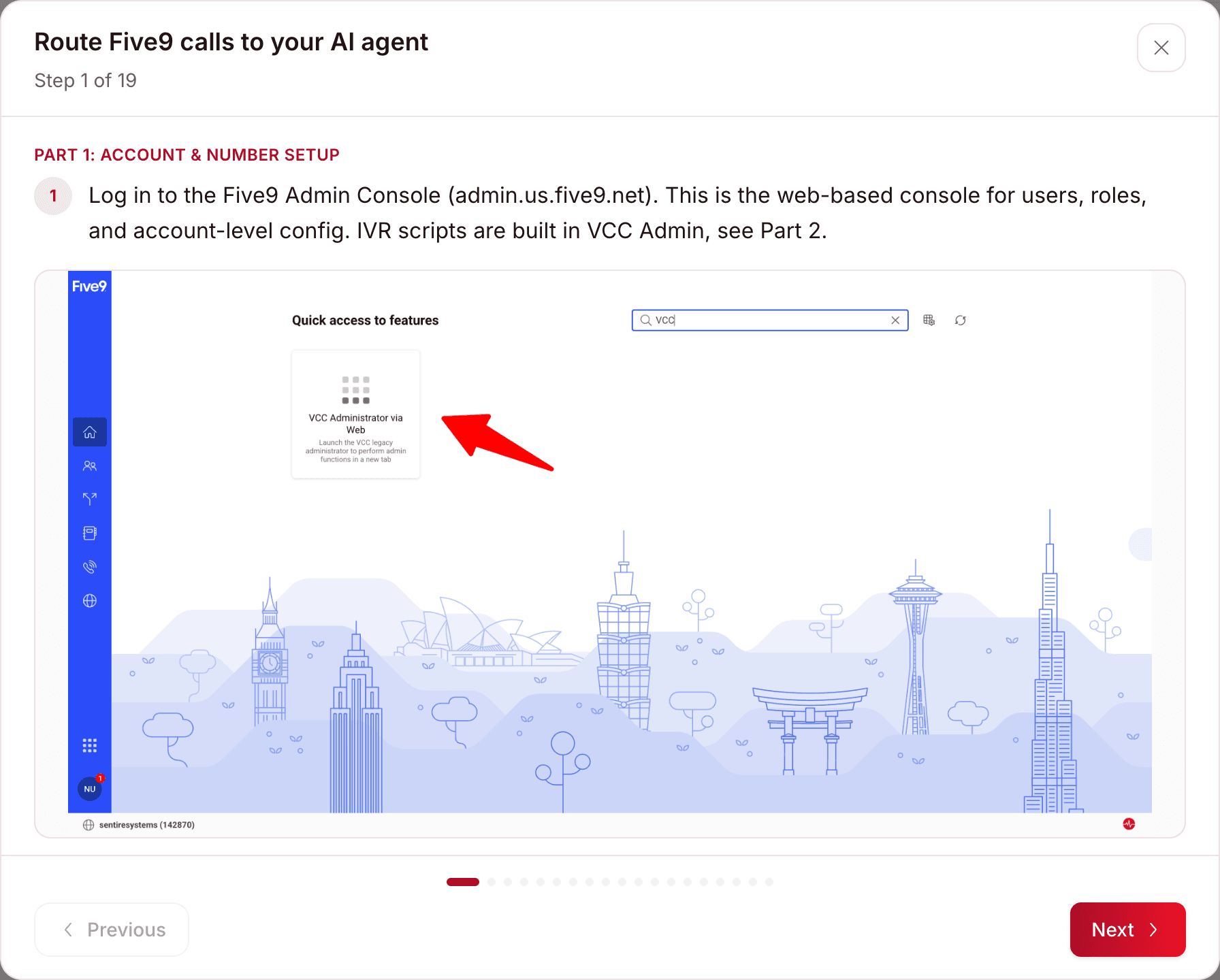
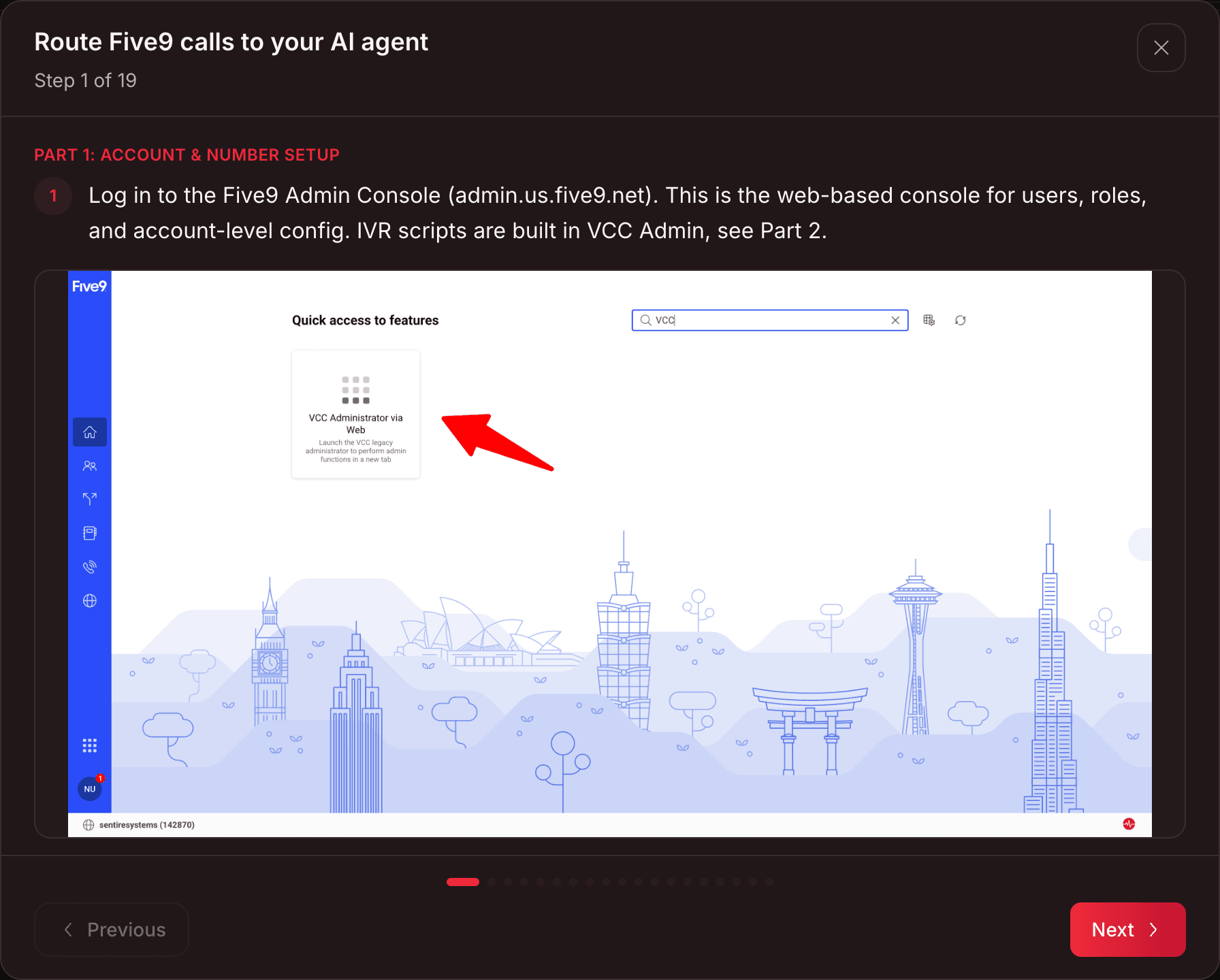
Guided setup, step by step
Questions about getting set up
Book a demo if something else is on your mind.
Yes. Use Sentire as your main phone line, or only as backup for busy hours, after hours, or when your team can't pick up. You choose which calls to forward.
It never guesses. If unsure, it takes a message, creates a callback task, and notifies your team immediately.
Connect your calendar, set your greeting, and forward your number. Our team can walk you through each step.
No. Keep RingCentral, Dialpad, or Five9. Forward overflow or after-hours calls to your Sentire line. It's a call-forwarding setting, with no new hardware.
Every time is checked against your real Google Calendar, held briefly, and re-verified before confirming.
Ready to stop missing calls?
See Sentire answer a real call in a live demo. No setup required to take a look.
Prefer texting? Text +1 (857) 767-7618 to see it live.